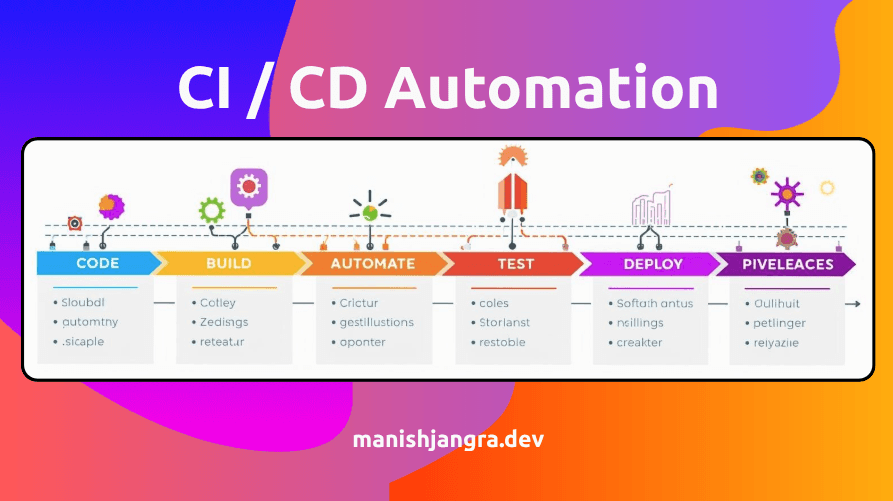
CI/CD Tools Overview
Beginner-friendly CI/CD tools guide — Jenkins, GitHub Actions, GitLab CI, Azure DevOps aur ArgoCD ko simple Hinglish me compare aur explain kiya gaya hai.
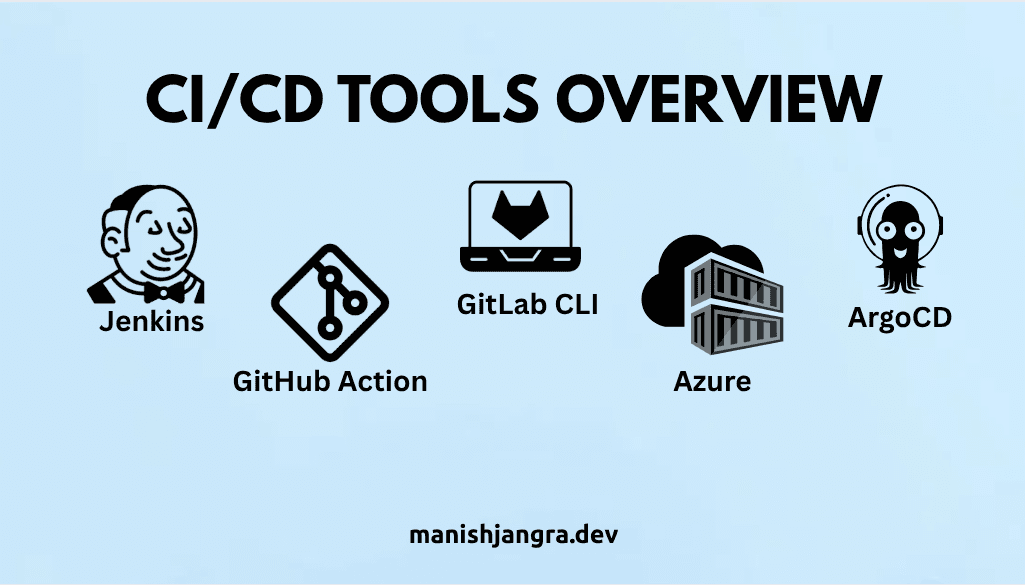
CI/CD Tools Overview
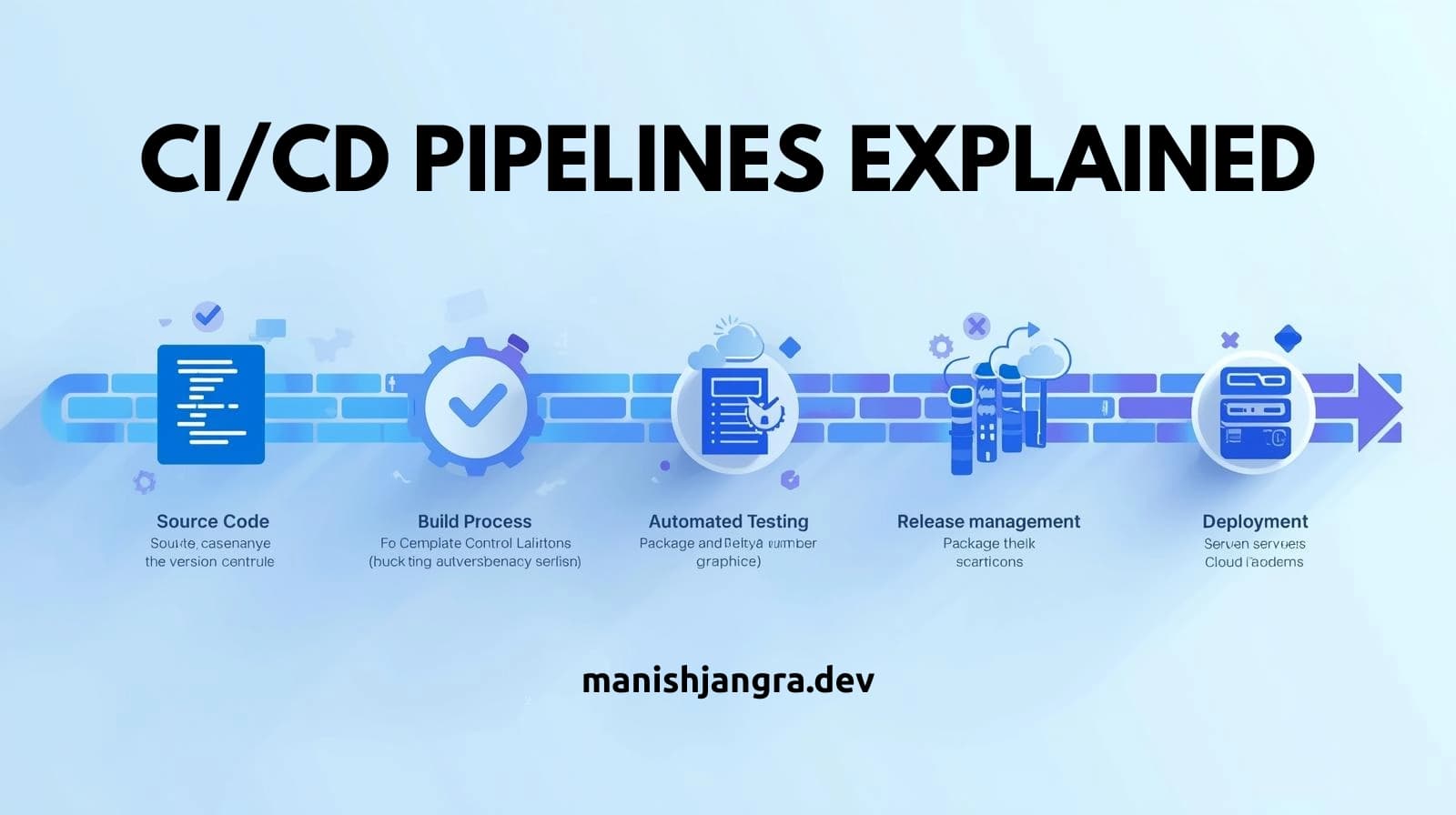
Post 5 me aapne CI/CD pipeline ka full flow dekha — source stage se lekar deploy stage tak har automation step ka breakdown.
Ab logically next step hai: Pipelines ko run karne ke tools ka overview.
Ye tools DevOps automation ka foundation hain.
Introduction
Modern DevOps world me CI/CD tools software delivery ka central engine hote hain.
In tools ke bina na automation possible hota hai, na reliable deployments.
Did You Know?
Jenkins ka worldwide user base 300,000+ companies se zyada hai — making it one of the most used CI/CD automation servers.
Understanding CI/CD Tools
CI/CD tools ek automated system provide karte hain jisme:
- Code check hota hai
- Build generate hoti hai
- Tests run hote hain
- Deployment trigger hoti hai
Har tool ka apna style, features aur advantages hote hain.
Is post ka goal hai complexity remove karna aur har tool ko simple language me samjhana.
Essential CI/CD Tools
1. Jenkins — The Automation Powerhouse
Jenkins ek open-source automation server hai, jo CI/CD pipelines run karne ke liye sabse old, reliable aur powerful tool maana jata hai.
Strengths:
- Highly customizable
- Plugin ecosystem (1800+ plugins)
- Supports any language, any platform
Best for:
Large teams, advanced automation
2. GitHub Actions — The Easiest for Beginners
GitHub repository ke andar hi CI/CD workflows create karna possible banata hai.
Beginners ke liye sabse smooth learning experience deta hai.
Strengths:
- YAML-based easy workflow
- No extra setup
- Huge action marketplace
Best for:
Beginners, open-source projects, small teams
3. GitLab CI — All-in-One DevOps Platform
GitLab built-in CI/CD support deta hai jisme repo + pipeline + runner ek hi tool me available hote hain.
Strengths:
- Auto DevOps
- Built-in security scans
- Strong pipeline flexibility
Best for:
Companies using GitLab ecosystem
4. Azure DevOps — Enterprise-Grade CI/CD
Microsoft ecosystem me popular tool jo planning, repos, builds aur releases — sab ek place par handle karta hai.
Strengths:
- Boards for project management
- Repos + Pipelines + Artifacts
- Enterprise security
Best for:
Corporate teams, enterprise automation
5. ArgoCD — GitOps Style Continuous Delivery
ArgoCD ek Kubernetes-native CD tool hai jo GitOps approach follow karta hai.
Strengths:
- Declarative GitOps model
- Visual UI
- Lightning-fast rollbacks
Best for:
Teams working with Kubernetes
Industry Snapshot — How Companies Choose CI/CD Tools
Different industries alag-alag tools select karti hain:
| Company Type | Common Tools | Reason |
|---|---|---|
| Startups | GitHub Actions | Easy setup, no infra needed |
| Enterprises | Jenkins + Azure DevOps | Control + customization |
| Cloud-native teams | ArgoCD | Best for Kubernetes |
| DevOps-first companies | GitLab CI | Integrated ecosystem |
Example:
Netflix heavy scale automation ke liye Jenkins + Spinnaker use karta hai.
Hands-On Exercise — Choose the Right Tool for Yourself
Task:
- Aap apne skill-level ke hisab se ek scenario choose karein:
- Beginner
- Intermediate
- Advanced
- Phir niche diye tool suggestions follow karein:
If You Are a Beginner:
Start with GitHub Actions — simple, fast, zero setup.
If You Want Corporate Tools Learn:
Choose Azure DevOps.
If You Want Deep DevOps Automation:
Select Jenkins.
If You Want Cloud-Native Deployment:
Pick ArgoCD.
Outcome:
Aapko clarity milegi ki CI/CD journey ka starting point kya hona chahiye.
Real-World Use Case Breakdown
Example: A Startup Building a SaaS App
- Early phase → GitHub Actions
- Team grows → GitLab CI
- Moves to cloud-native → ArgoCD
- Build scaling automation → Jenkins
Yeh combination real companies follow karti hain — cost, simplicity aur automation needs ke according.
QnA Section
1. CI/CD tool ka kya role hota hai?
Automation of build, test, and deployment.
2. Beginners ka best CI/CD tool kaunsa hai?
GitHub Actions — easiest entry point.
3. Jenkins aur GitHub Actions me difference?
Jenkins customizable; GitHub Actions lightweight and easy.
4. Kya CI/CD tool use karne ke liye coding knowledge zaroori hai?
Basic YAML understanding enough hoti hai.
Conclusion
CI/CD tools automation ko real-world me implement karne ka foundation hote hain.
Har tool ki strengths alag hoti hain, aur inko samajhna aapki DevOps learning journey ko smooth bana deta hai.
Aap beginner hain to GitHub Actions se shuru karna ideal approach rahega.
Next Post:
Post 7 – Introduction to Git & GitHub for DevOps (Beginner Guide)
Tags
Share Article
Related Articles
Docker Basics for Beginners – 10 Powerful Concepts You Must Know

The Ultimate Beginner Guide to Version Control – 10 Powerful Reasons Why DevOps Uses It
25 Essential Linux Commands Every DevOps Must Know
Introduction to Git and GitHub for DevOps
CI/CD Pipelines Explained (How Pipelines Actually Work)